What OnePlan Can Do for You

OnePlan gives you everything you need to manage your work, your people, and your investments in one place. Whether you’re trying to align strategy, prioritize the right projects, plan your budget, or keep your team focused, OnePlan helps you do it all. Explore the features that make it easier to plan smarter, work better, and get real results.

Prioritize High-Impact Work

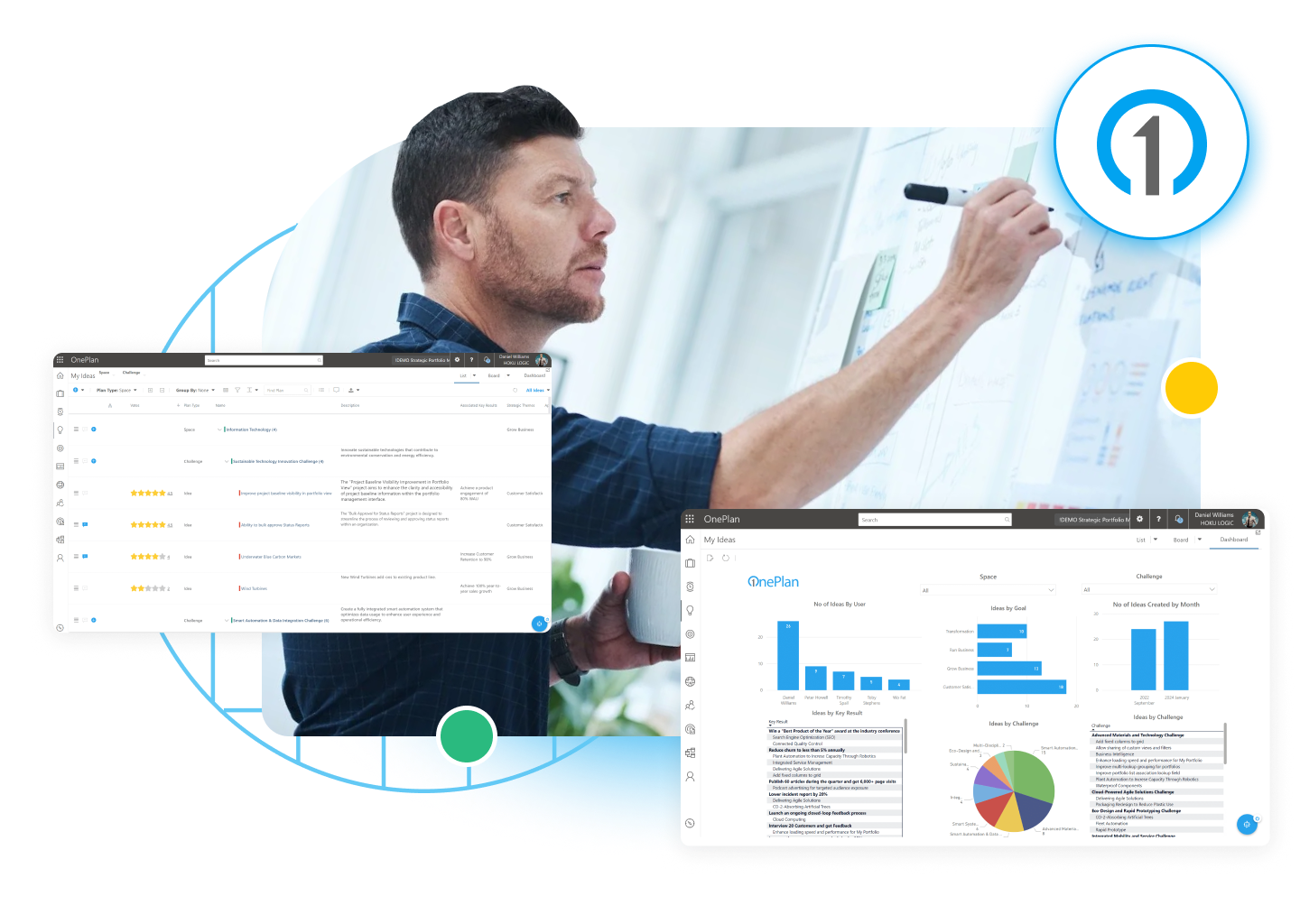
Have too many requests and not enough clarity? OnePlan helps you collect, evaluate, and prioritize ideas and project requests in one place—so your team focuses only on what matters most.

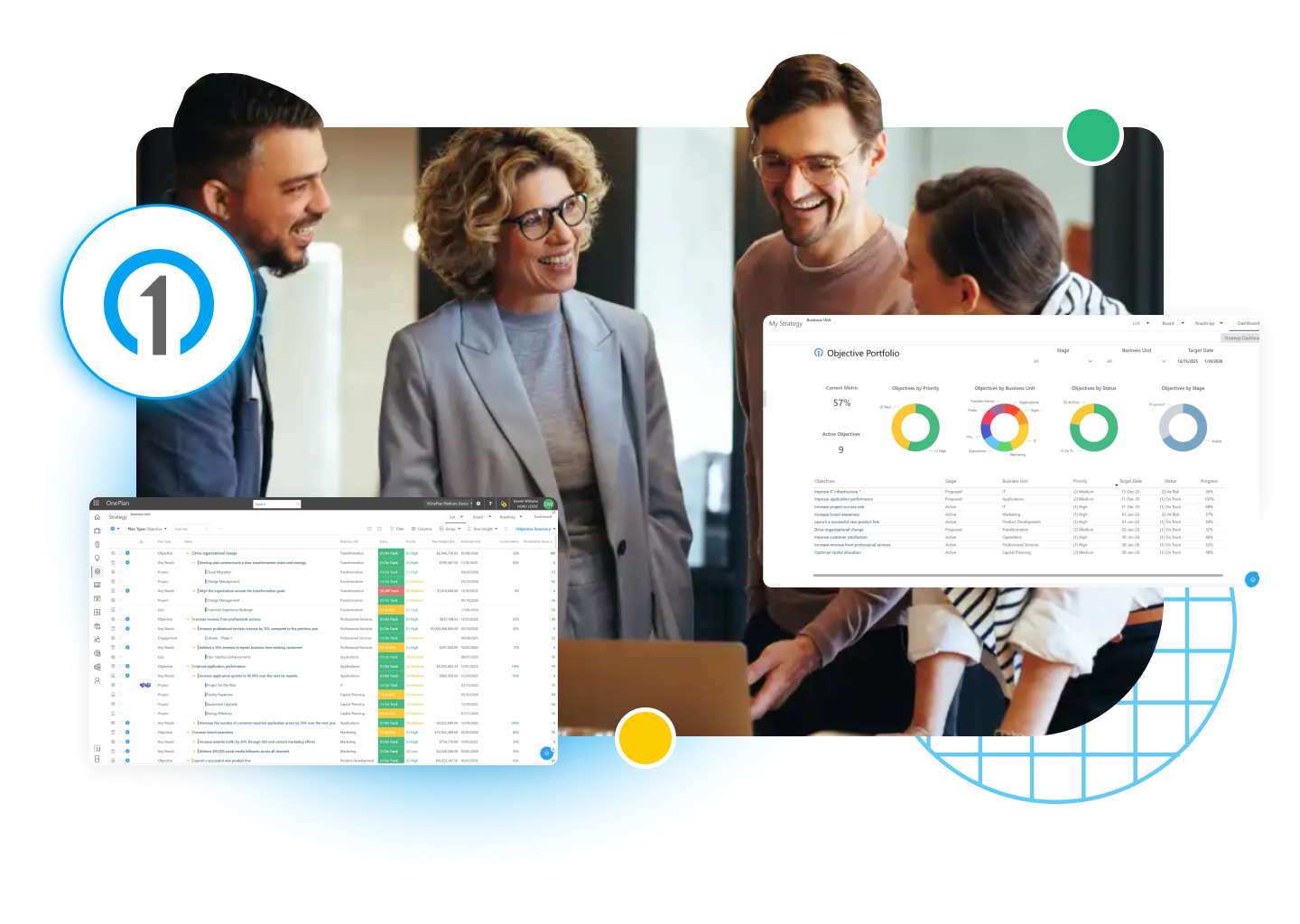
Connect Projects to Strategy

Not sure if your projects support your business goals? OnePlan makes it easy to connect your strategy to real work with tools to align goals, investments, and progress—all in one dashboard.

View Portfolios Side by Side

Struggling to see the big picture across all your projects? OnePlan brings all your portfolios together so you can prioritize work, avoid duplication, and make better decisions for your business.

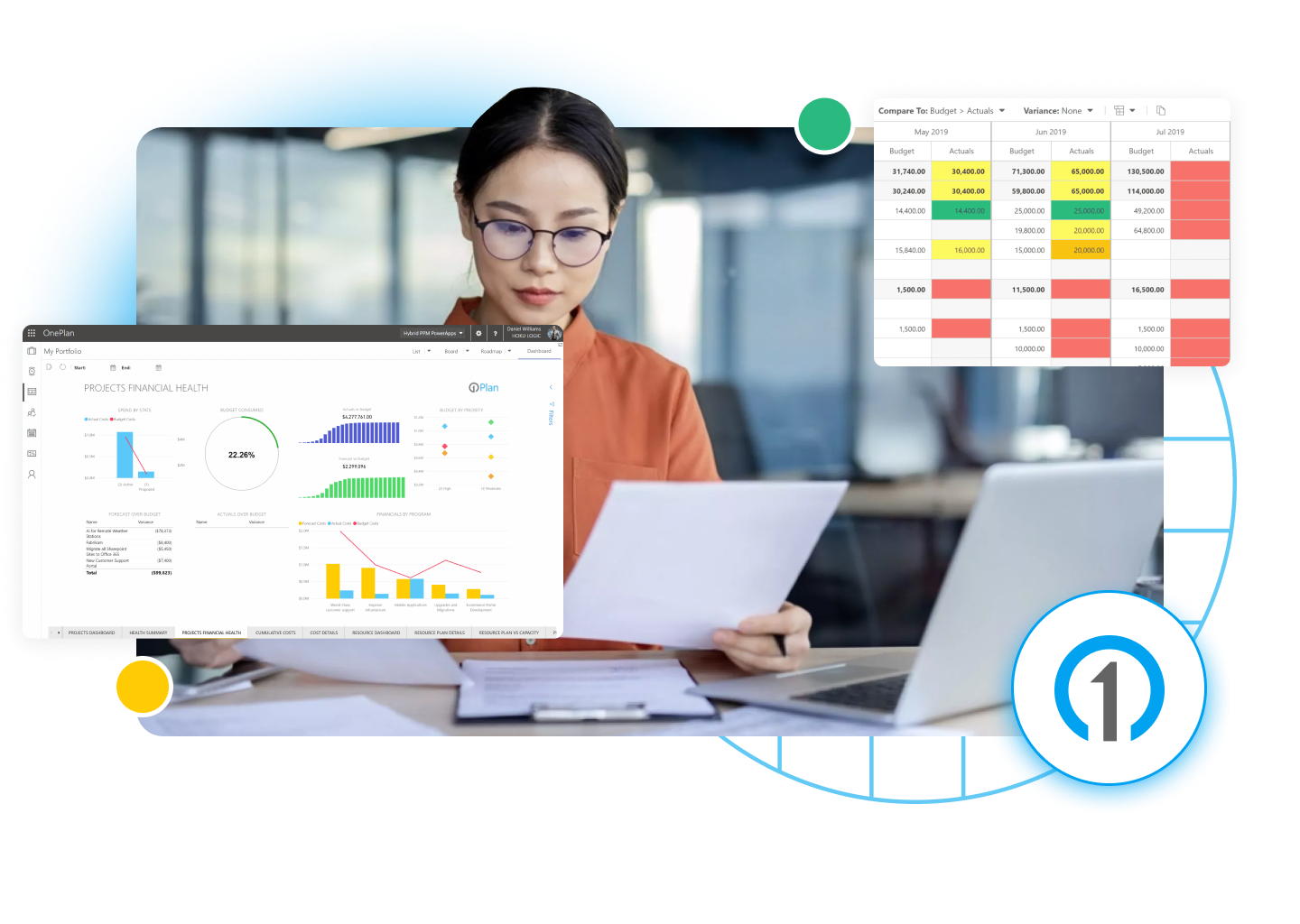
Monitor Budgets in Real Time

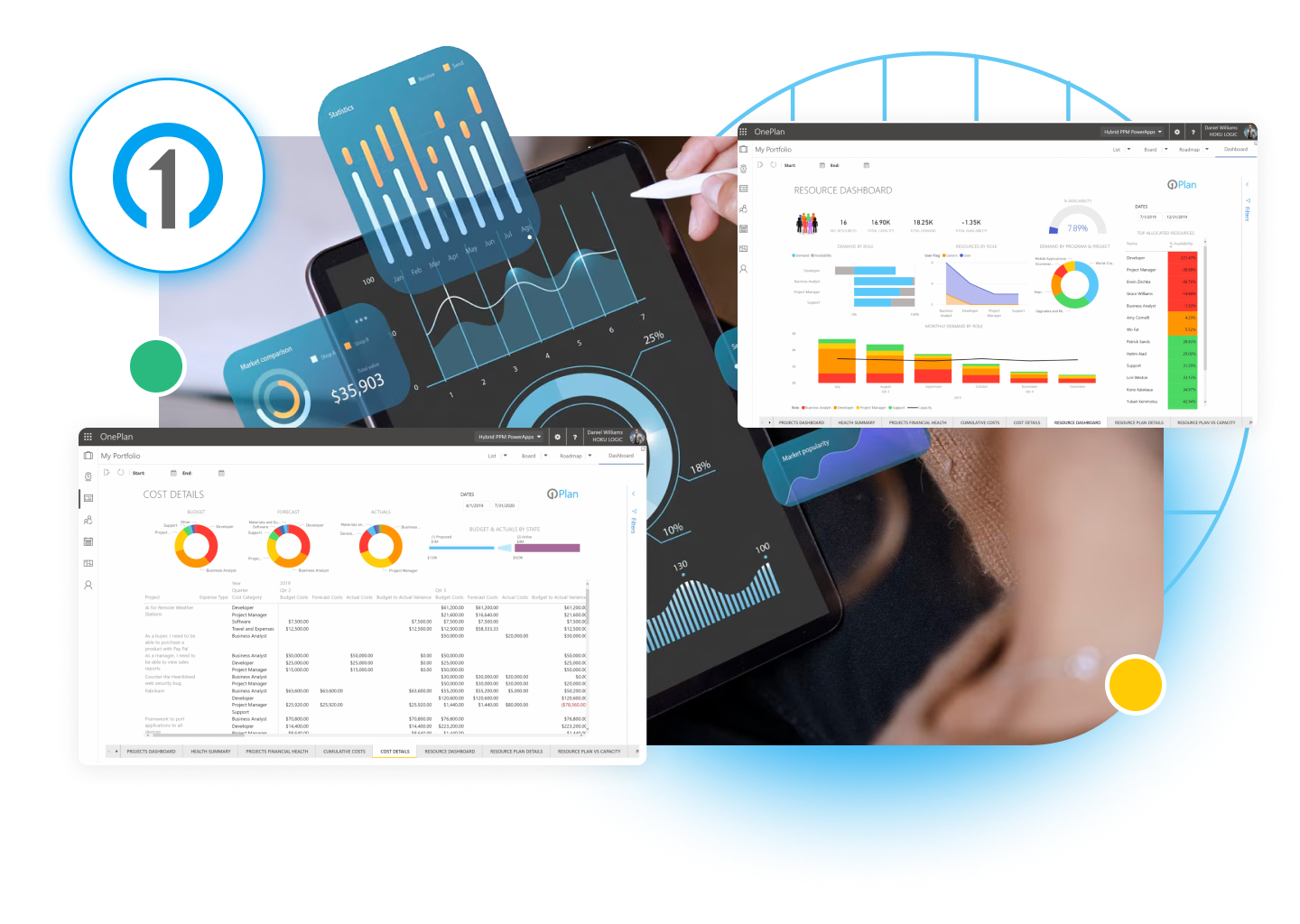
Losing track of your project budgets? OnePlan gives you real-time visibility into planned vs. actual spending and helps you manage CapEx and OpEx—all in one financial planning workspace.

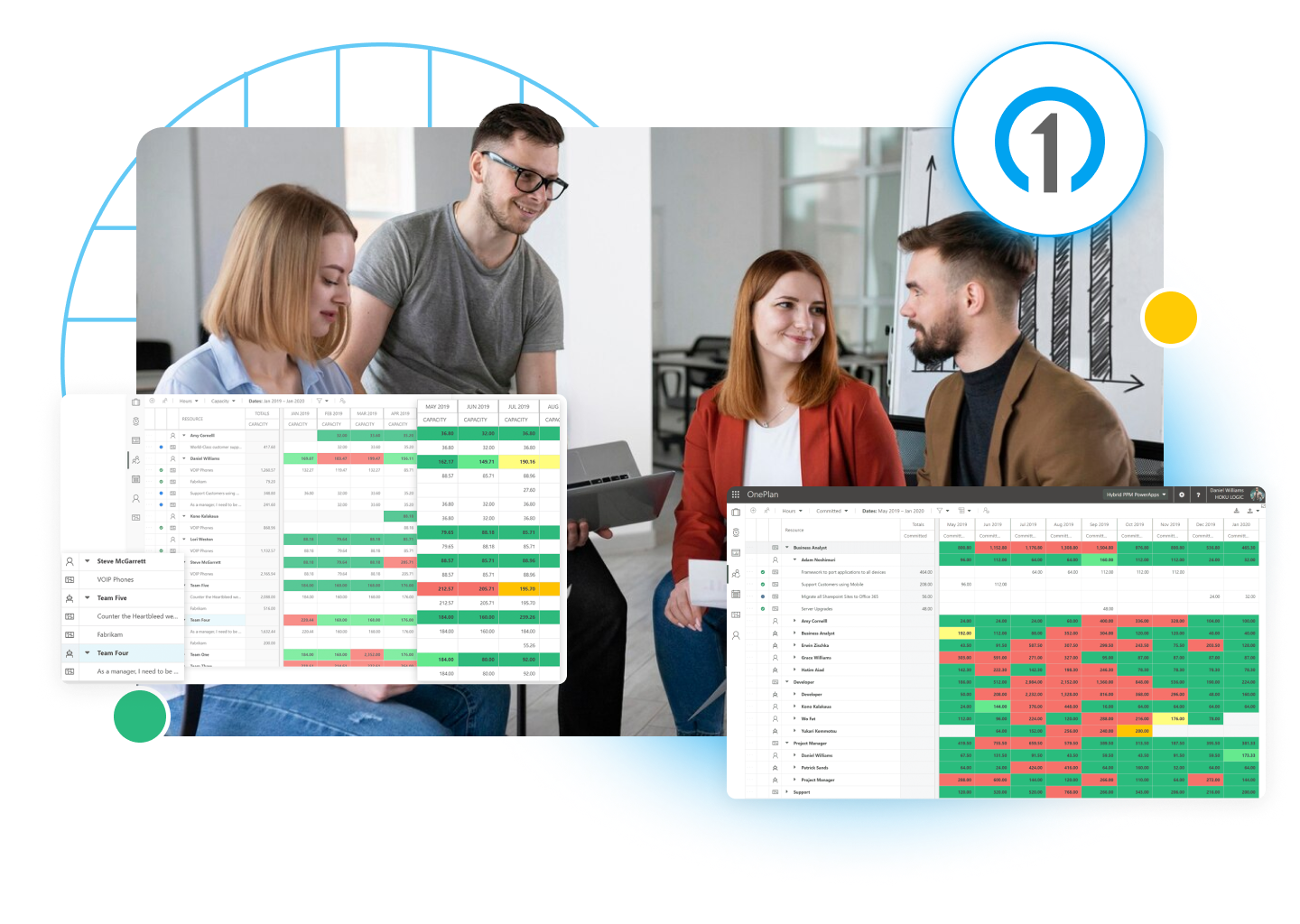
Spot Resource Gaps Early

Are your teams overloaded or underused? OnePlan shows you who’s working on what and when, so you can plan capacity better, balance workloads, and get more done with the resources you have.

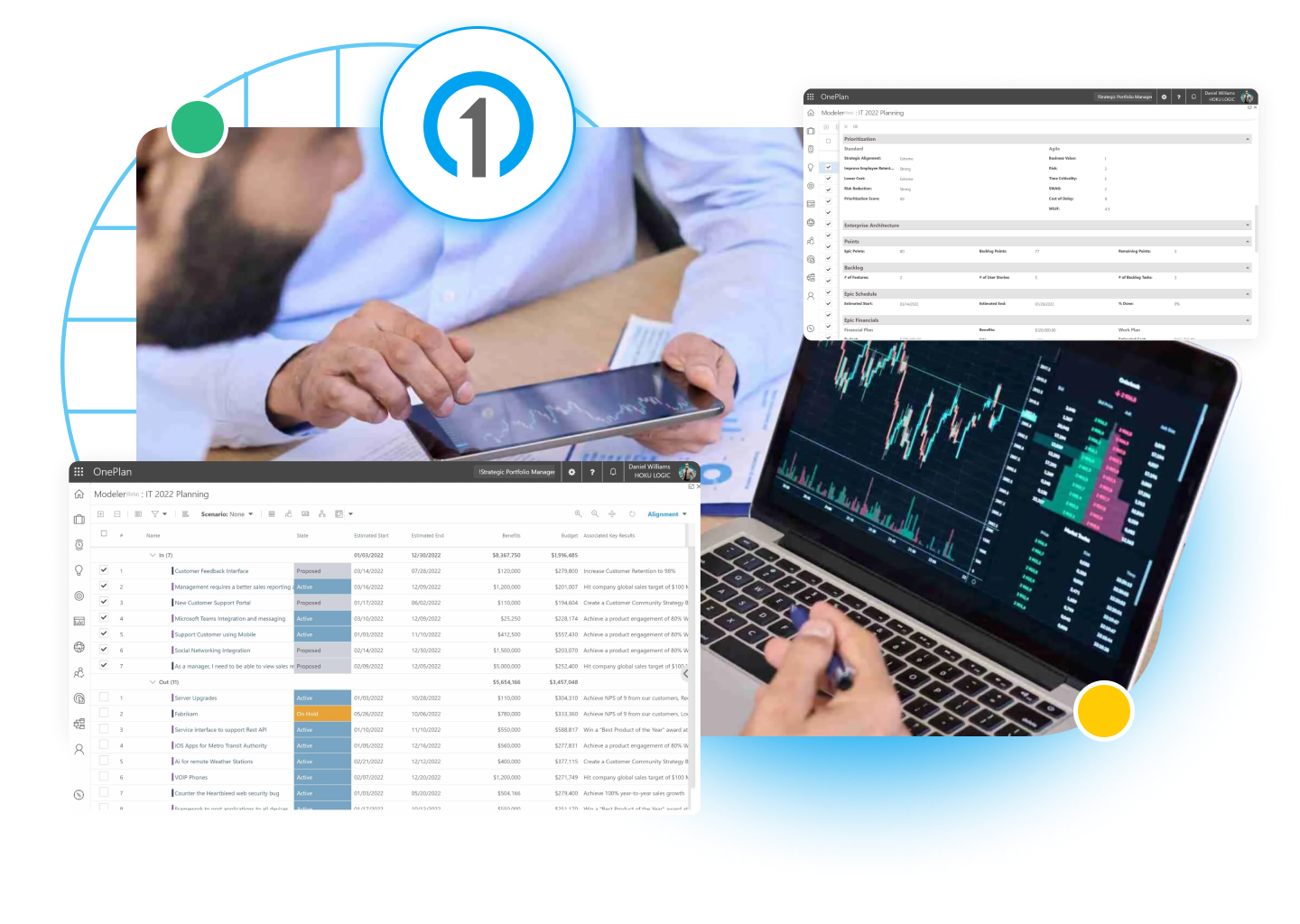
Compare Scenarios to Decide

Need to decide which projects to fund? OnePlan lets you compare different portfolio scenarios based on your goals, budget, and people—so you always choose the best path forward.

Support Hybrid Work Models

Do teams want to work in different ways? No problem. OnePlan supports agile, waterfall, or anything in between—letting teams work how they want while giving leaders a full view of progress.

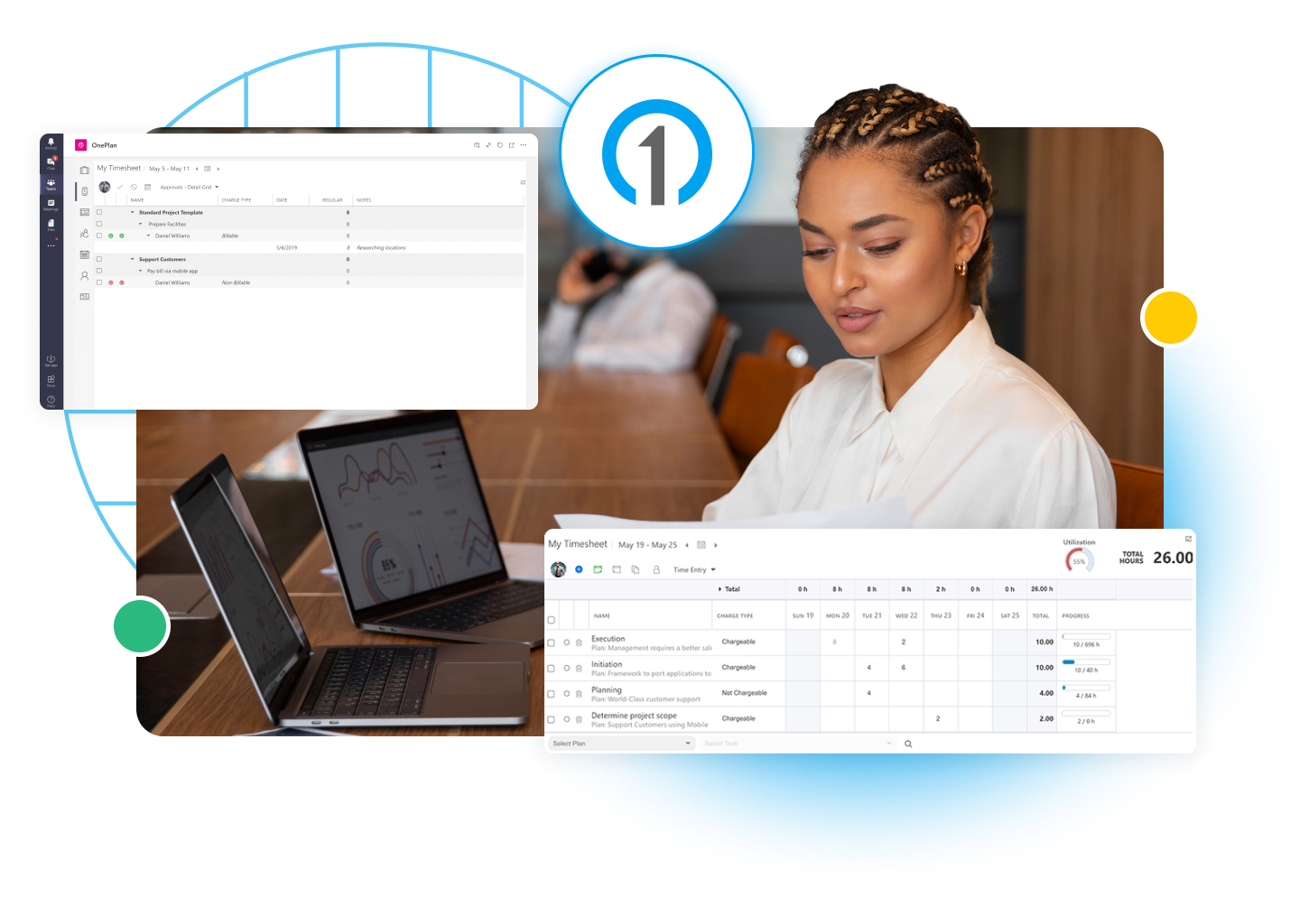
Track Effort Without Friction

Tired of chasing down timesheets? OnePlan makes it simple for your team to track time against projects, so you can understand where the effort is going and stay on top of labor costs.

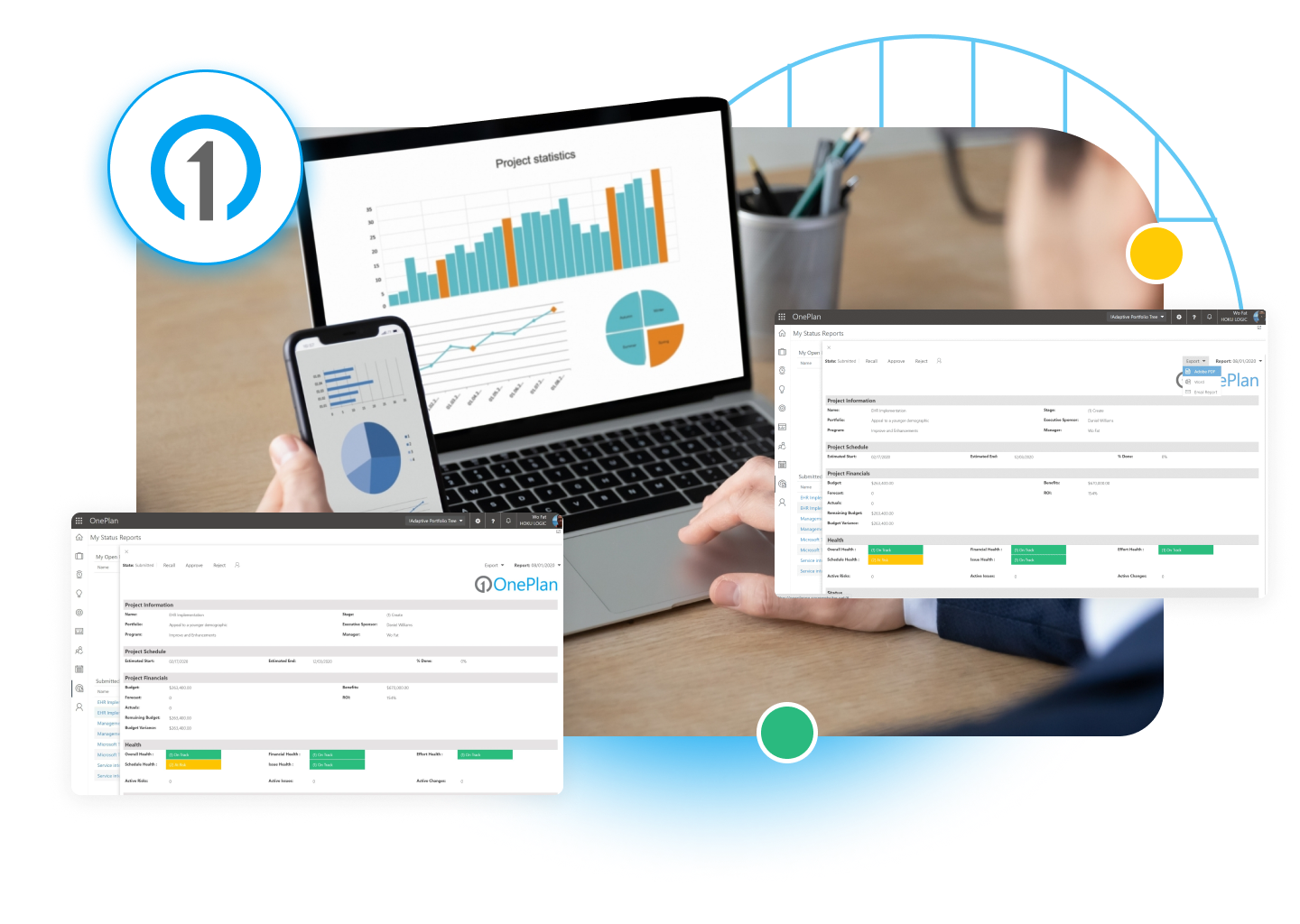
Get Status Without Check-Ins

Still building project reports manually? With OnePlan, status reports are automated and always up to date—so your stakeholders know exactly what’s going on, without extra effort.

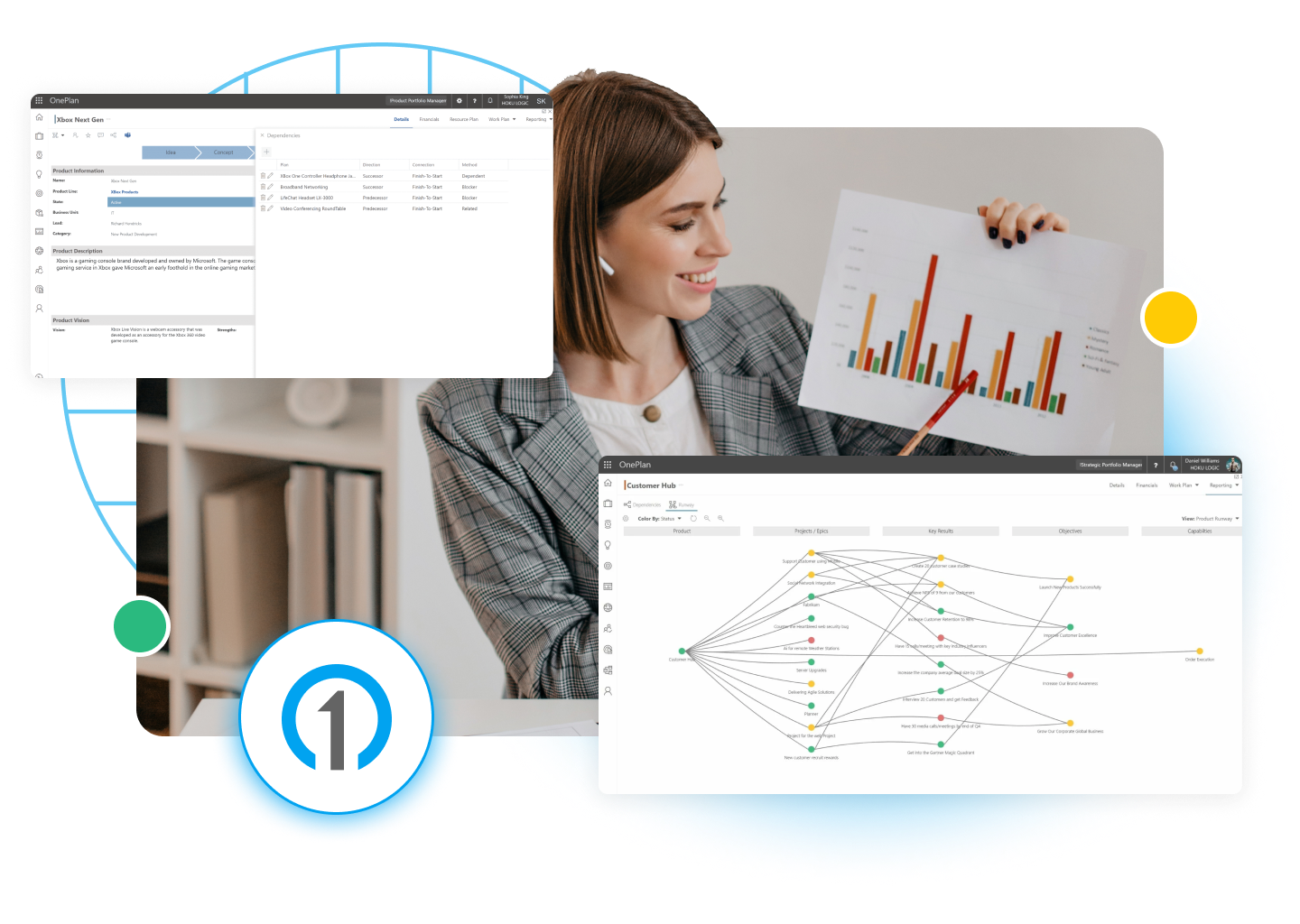
Map Dependencies and Risk

Having trouble seeing how everything connects? OnePlan’s Visualizer gives you a clear picture of project dependencies, business capabilities, and strategic alignment across the enterprise.

Turn Dashboards Into Action

Need better insights from your data? OnePlan delivers interactive dashboards and reports that help you see what’s working, what’s not, and where to take action.

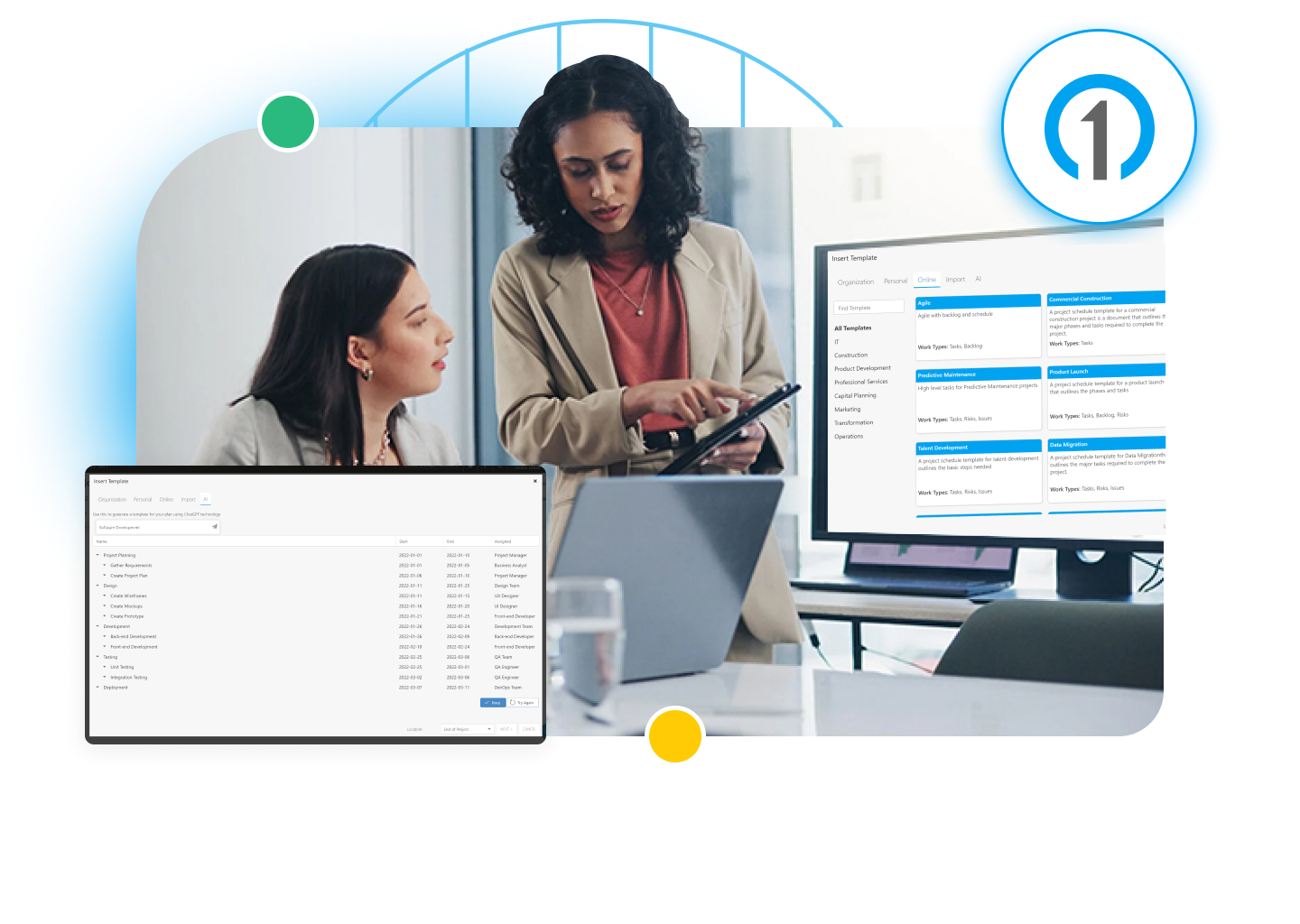
Plan Faster with AI Insights

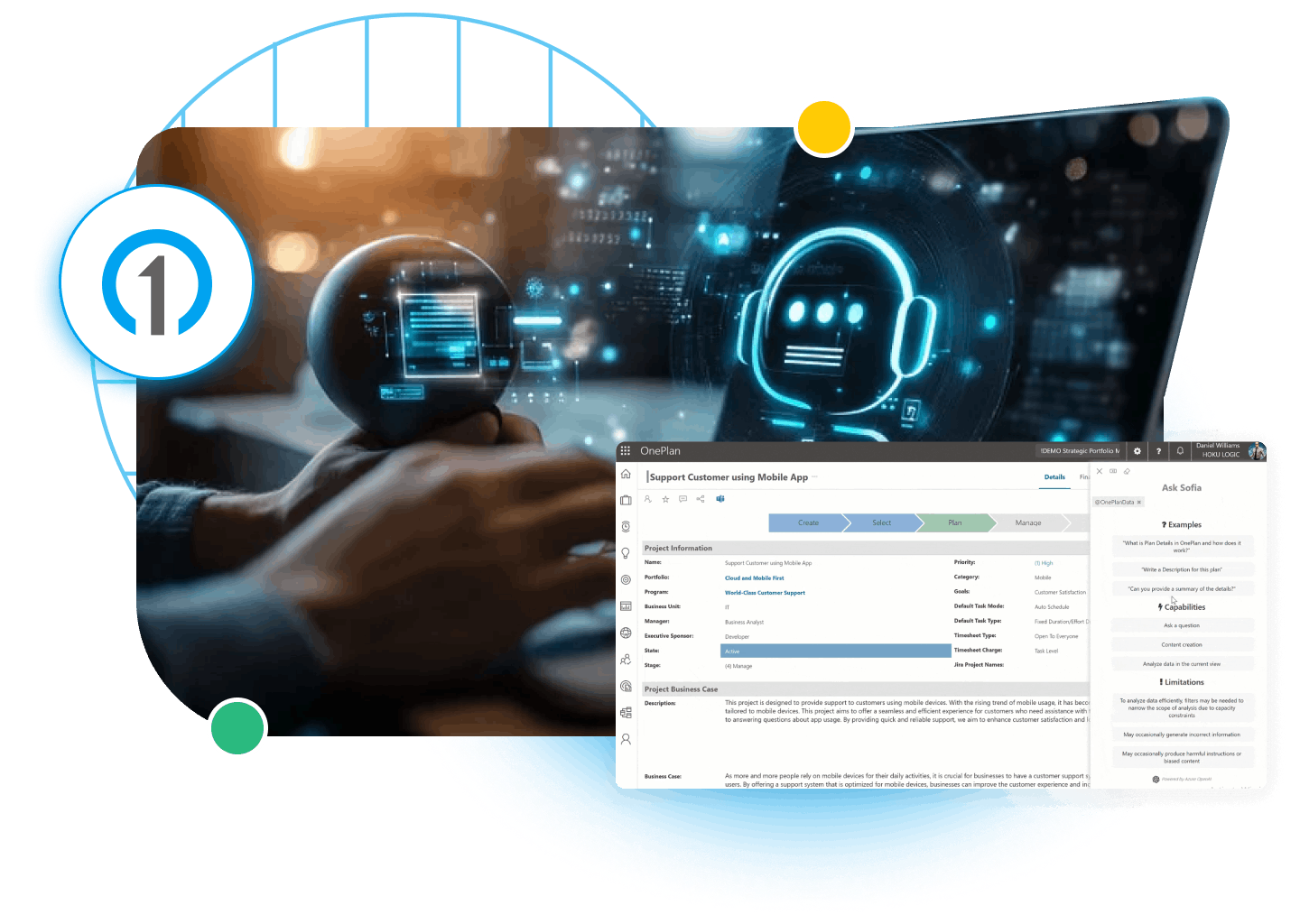
Too much to manage, not enough time? Sofia GPT is your built-in AI assistant that helps you create plans, summarize reports, answer portfolio questions, and automate tasks—just by asking.

Integrate Your Work Systems

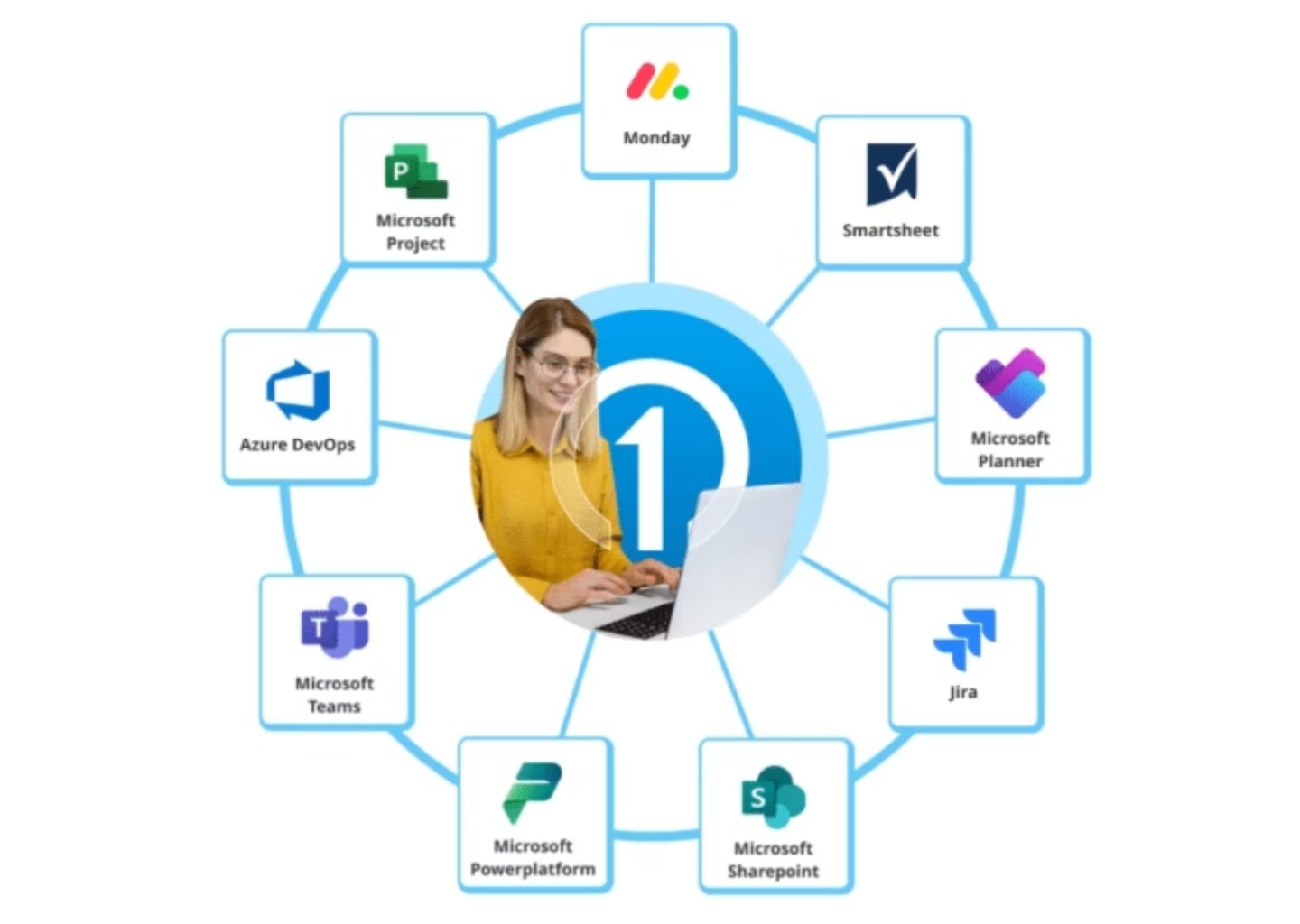
Using too many disconnected tools? Whether your teams are working in different systems or you’re pulling reports from everywhere, OnePlan keeps everything connected and in sync.

OnePlan – Mobile

Work On The Go With OnePlan Mobile

Whether you’re on your way to work or traveling and on the go, OnePlan Mobile allows you to access work anywhere. Gain access to timesheets, my work, conversations, and Insights AI information with OnePlan Mobile and help you put your mind at ease.

Because Some Things Are Just Better Together

With OnePlan, integration drives innovation and success.
OnePlan effortlessly connects with leading work management tools like Microsoft Teams, Microsoft Planner, Microsoft Project, Azure DevOps, Jira, Smartsheet, monday.com, Asana, Wrike, Trello, and more bringing all your project data into one powerful platform. By breaking down data silos and enhancing collaboration, OnePlan streamlines workflows, boosts efficiency, and delivers deep insights, empowering your team to work smarter, make informed decisions, and drive greater success.

Try OnePlan Today

No commitment. No credit card.

cta screenshot 1 png