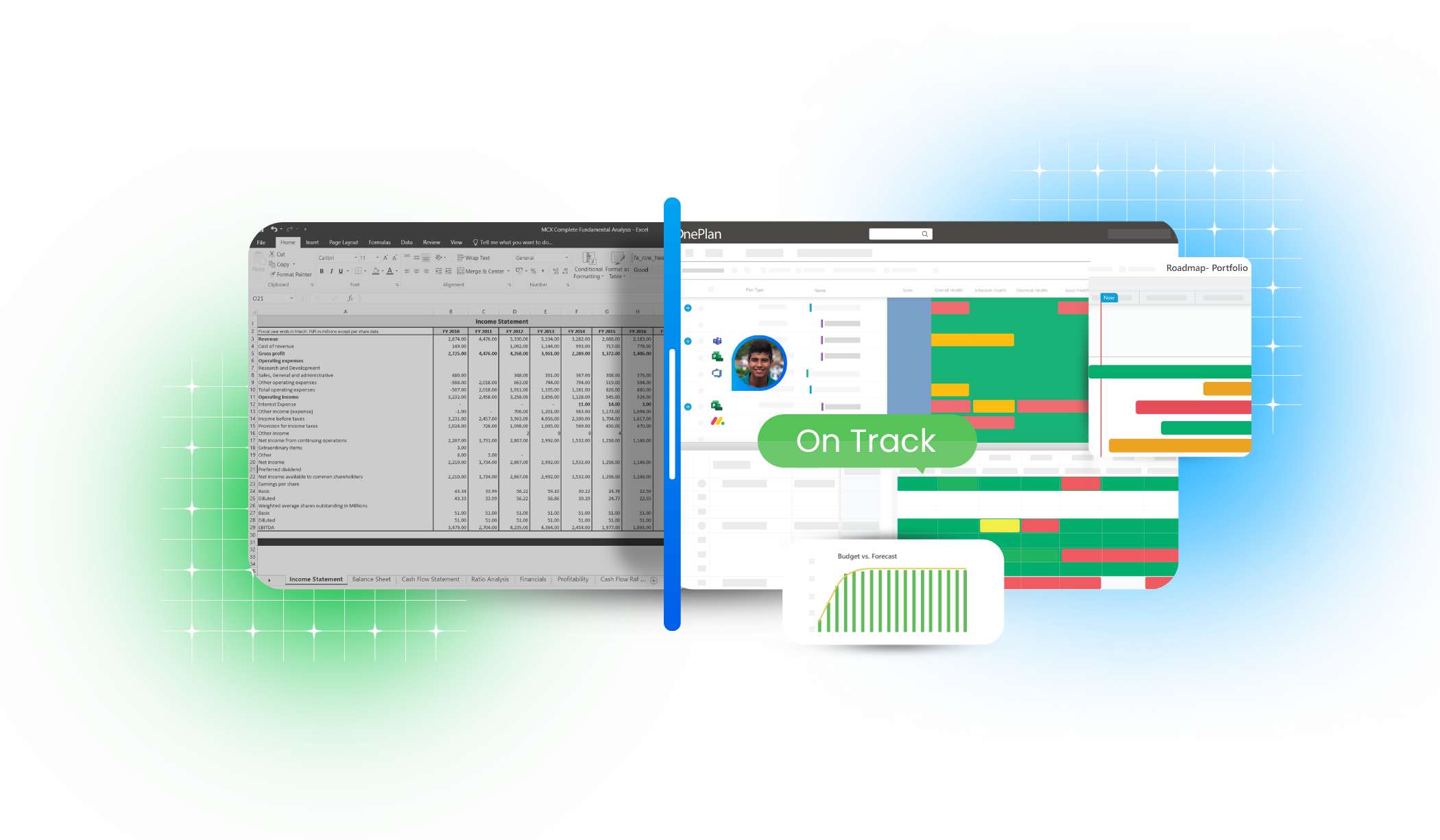


Excel Breaks at Scale.
Your Portfolio Shouldn’t.

If your projects live in spreadsheets, it’s time to upgrade.

Spreadsheets are familiar but they weren’t built for enterprise portfolio management. OnePlan gives you structure, visibility, and scale without losing control.
Your migration is complete 5

Excel vs OnePlan

Where Excel falls short at scale. 

Capabilities

Portfolio Rollups
Version Control
Resource Capacity
Scenario Planning
Governance
Reporting
Scalability
OnePlan
Automated
Single source of truth
Real-time
Built-in
Structured workflows
Live dashboards
Enterprise-wide
Excel
Manual
Multiple files
Static
Limited
Ad hoc
Manual decks
Team-level

Why Enterprises Outgrow Excel

What works in Excel for small teams quickly breaks down at scale. Manual updates, disconnected files, and limited visibility slow decisions and create risk. As complexity grows, organizations need structured, real-time portfolio management to stay in control.

rising

Spreadsheets break at scale

What works for a few projects becomes fragile when managing dozens or hundreds of initiatives across teams.

resource

Version control creates uncertainty

Multiple files, email attachments, and conflicting updates make it difficult to know which data leaders should trust.

manual

Manual rollups slow decisions

Teams spend hours consolidating spreadsheets, updating formulas, and preparing reports instead of acting on portfolio insights.

leadership

Leadership lacks real-time visibility

Executives rely on static spreadsheet reports rather than live insight into portfolio health, resources, and priorities.

microsoft

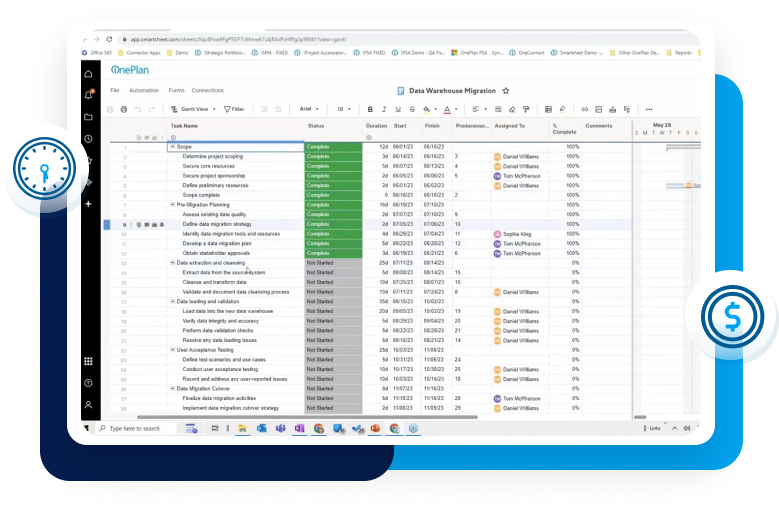
Built for Microsoft 365, Beyond Excel

Many organizations using Excel already rely on Microsoft tools for collaboration and project execution. OnePlan extends that ecosystem with enterprise portfolio management.

Enterprise Portfolio Management Without Spreadsheet Chaos

OnePlan is designed for fast deployment and flexible adoption. Organizations can start by replacing key spreadsheet processes and expand over time as portfolio maturity grows.

Teams keep the tools they already use while leadership gains structured portfolio visibility and governance.

ready

Trusted by Enterprises Managing Complex Portfolios 

OnePlan is used by global organizations across life sciences, finance, healthcare, energy, and manufacturing.
image 80 1
image 81
forrester gartner

Frequently Asked Questions

Why move from Excel if it already works for our team?

Excel works well for individual analysis and small project tracking. But as portfolios grow, spreadsheets often require manual updates, multiple versions, and complex rollups that are difficult to maintain.

OnePlan keeps the flexibility teams value while adding structured portfolio visibility, automated reporting, and governance designed for managing work at scale.

Adoption is a common concern when moving beyond spreadsheets. 

Because OnePlan integrates with familiar tools like Microsoft Teams, Project, Planner, and Power BI, teams can continue working in the tools they already know while leadership gains centralized portfolio visibility and governance. 

Excel is familiar, but managing portfolios in spreadsheets often becomes complicated over time with formulas, linked files, and manual reporting. 

OnePlan simplifies portfolio management with built-in workflows, dashboards, and automated rollups, reducing the complexity teams often experience maintaining large spreadsheet systems. 

While Excel itself is inexpensive, managing portfolios through spreadsheets often creates hidden costs through manual consolidation, reporting delays, and limited portfolio visibility.

OnePlan replaces manual spreadsheet management with automated reporting, resource planning, and governance, helping organizations make faster and more informed investment decisions.

Try Enterprise Portfolio Management Without the Commitment